
How to Test Your Microphone: A Step-by-Step Guide
Learn how to test your microphone online and on a Windows PC or Mac. Record your voice, check playback, and fix permissions, low volume, noise, and echo.
Read the guide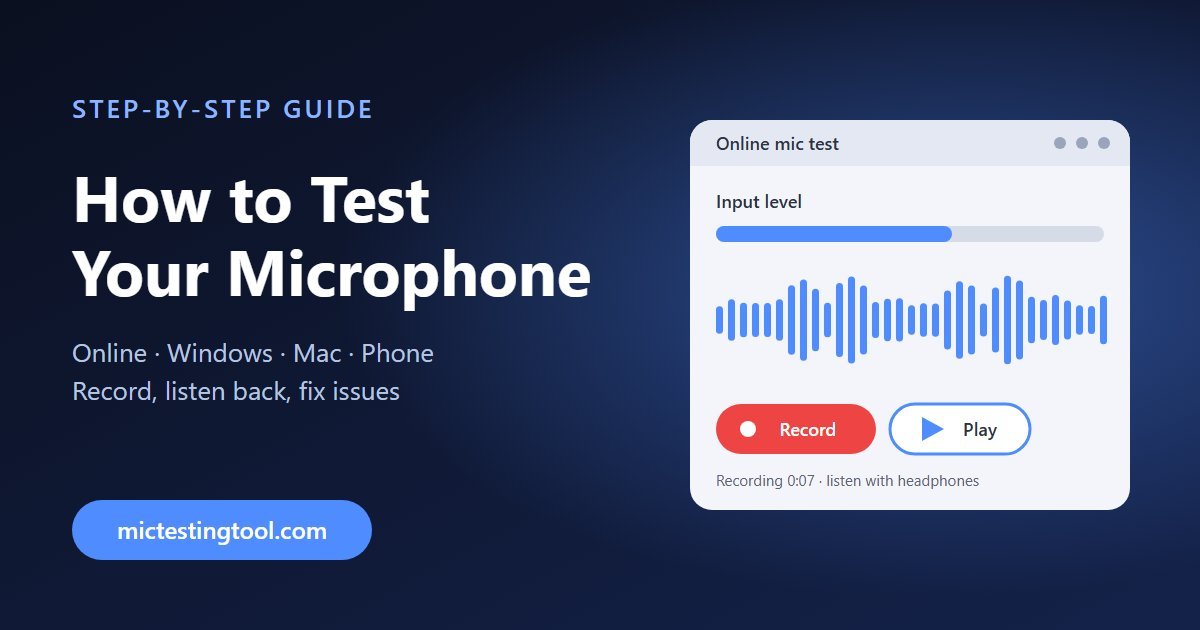
Step-by-step guides for testing a microphone, setting it up on Windows or Mac, and fixing low volume, noise, echo and permission problems.
Learn how to test your microphone online and on a Windows PC or Mac. Record your voice, check playback, and fix permissions, low volume, noise, and echo.
Read the guide
FaceTime camera not working, iPhone front camera black or ASUS laptop camera missing? Find out if it's a setting, an app or hardware, then fix it in order.
Keyboard not working on your MacBook, Windows laptop or wireless keyboard? Find out whether it's a setting, the connection or the hardware, then fix it in the right order.
How to test your mic on Xbox Series X|S and Xbox One: connect it right, run a quick party chat test, hear yourself, and fix a mic nobody can hear.
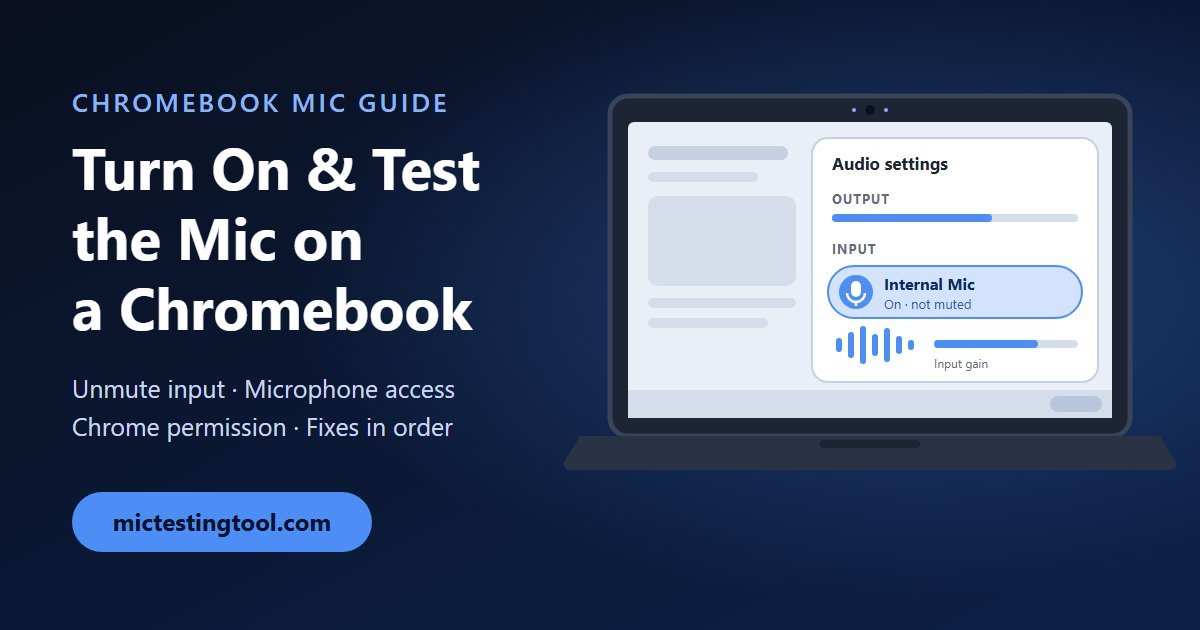
How to turn on the microphone on a Chromebook, pick the right input, test it in a minute, and fix a Chromebook mic that is not working in Meet, Zoom, Android apps or Linux.
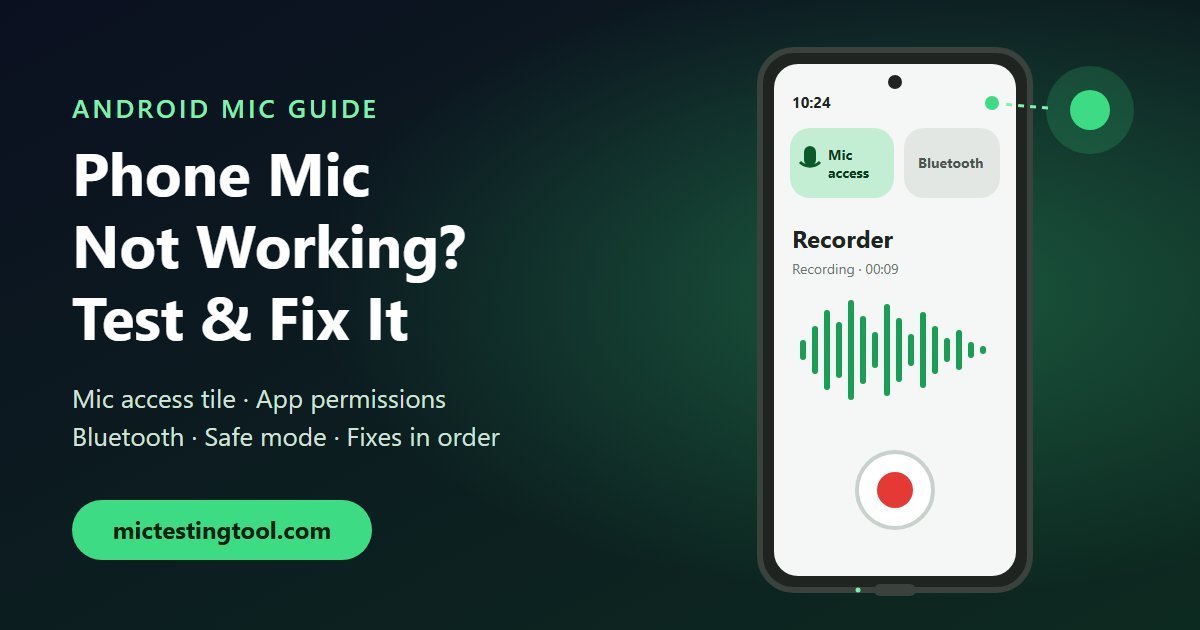
Why your phone microphone stops working on Android, how to test the mic on Android in a couple of minutes, and the fixes to try in order, from the Mic access tile to safe mode.
Plugged in your headphones and there's no sound? Here's how to fix headphones not working on a Windows PC or laptop, for wired headphones, USB and Bluetooth headsets, step by step.
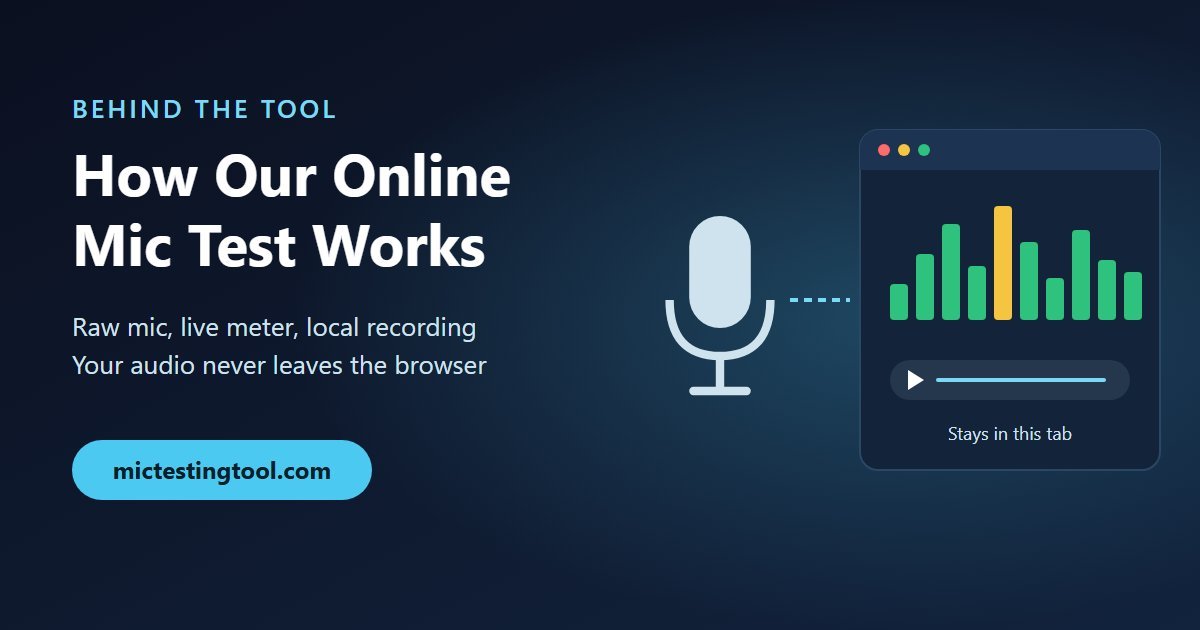
What actually happens when you press Start on an online microphone test: how the browser gets your mic, why we turn off echo cancellation, how the level meter moves, and where your recording goes (nowhere).
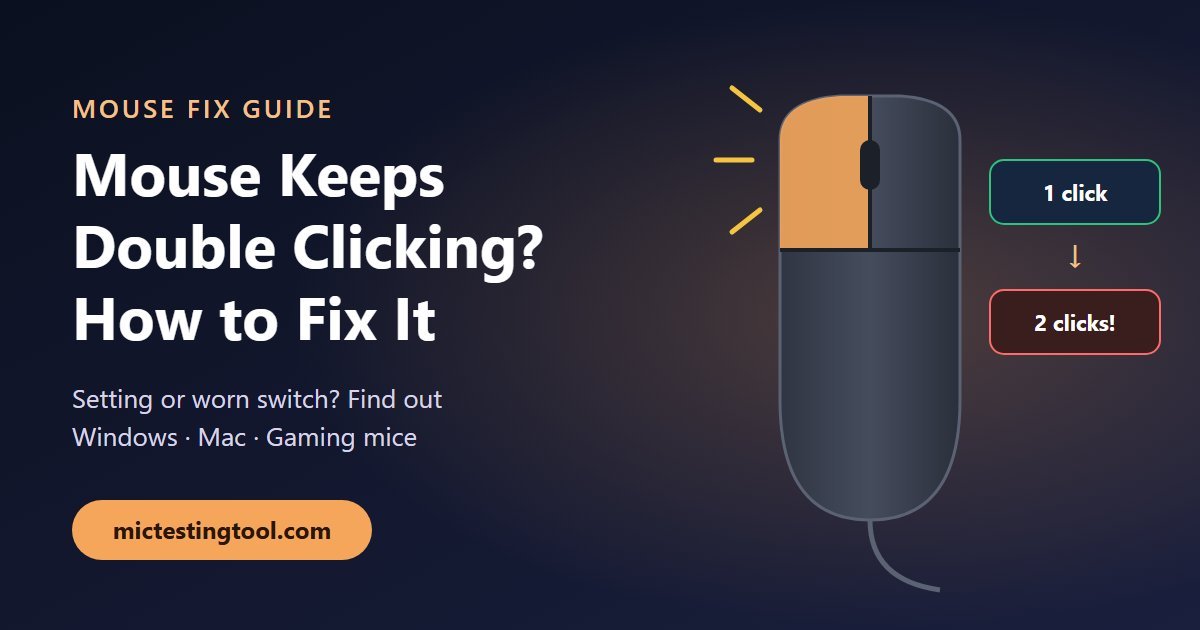
Your mouse keeps double clicking when you only clicked once. Here's how to tell if it's a setting or a worn-out switch, and the fixes that actually work, from Windows settings to cleaning and replacing the switch.
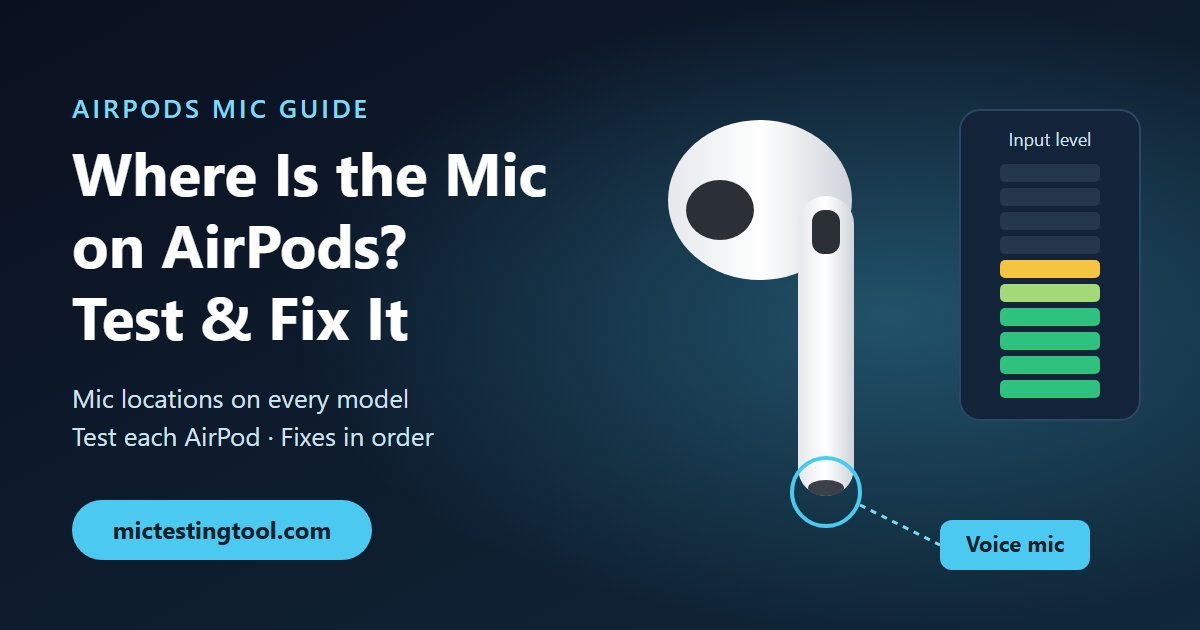
The AirPods microphone sits at the bottom tip of each stem. Here's exactly where the mics are on every model, how to test your AirPods mic in two minutes, and what to do when the mic is not working.
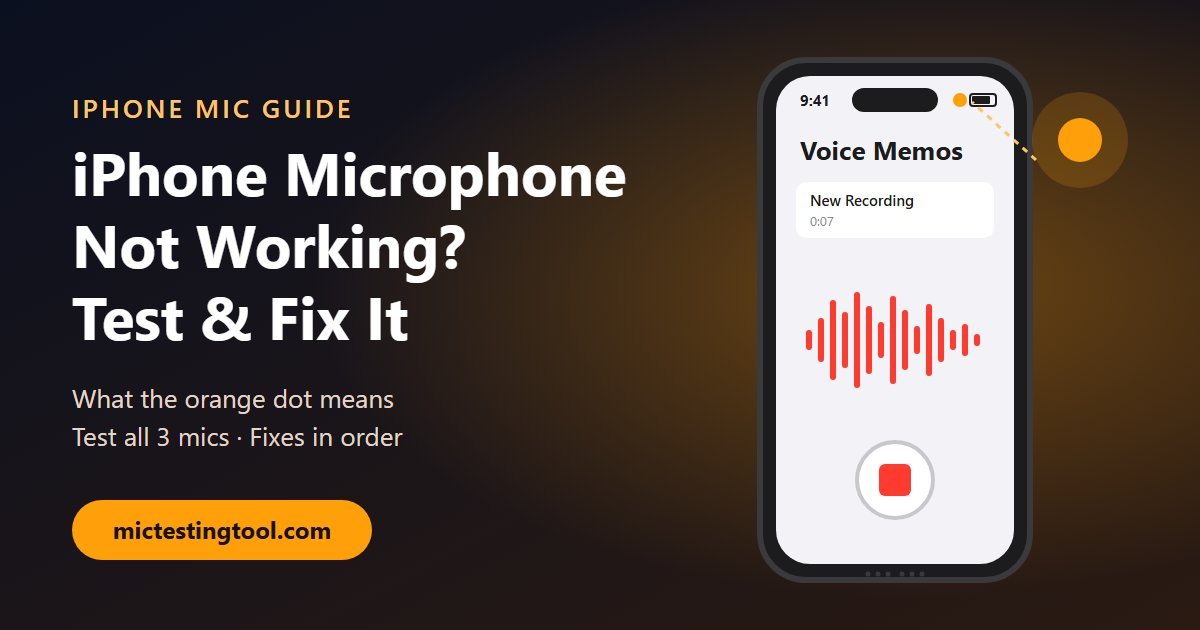
Why there's an orange microphone dot on your iPhone, how to test each iPhone microphone in a couple of minutes, and the fixes to try, in order, when your iPhone mic is not working.
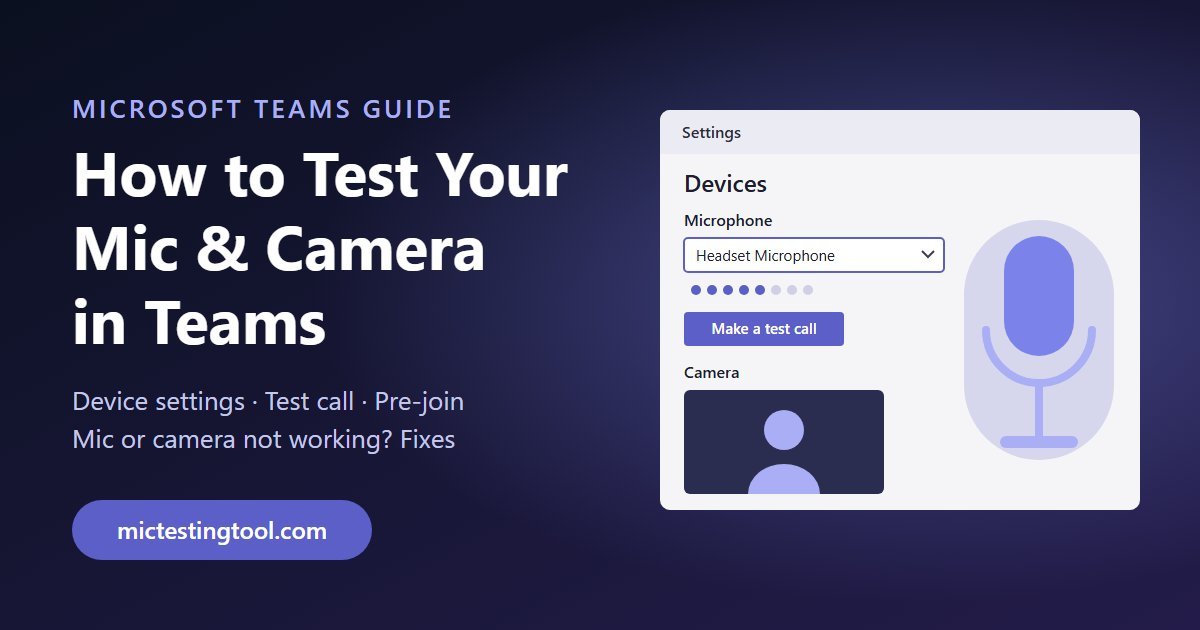
How to test your microphone and camera in Microsoft Teams with Device settings, a test call or the pre-join screen, plus fixes for a Teams camera or mic not working.
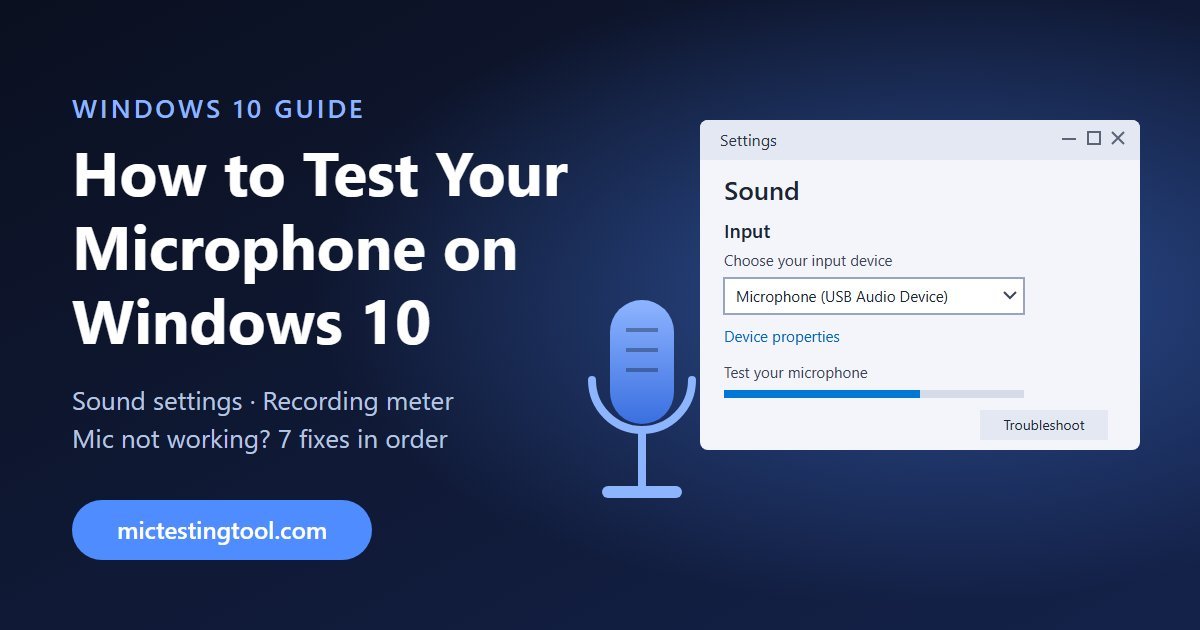
How to test your microphone on Windows 10 in Sound settings, the Recording tab or a quick recording, plus 7 fixes in order for a Windows 10 mic not working.
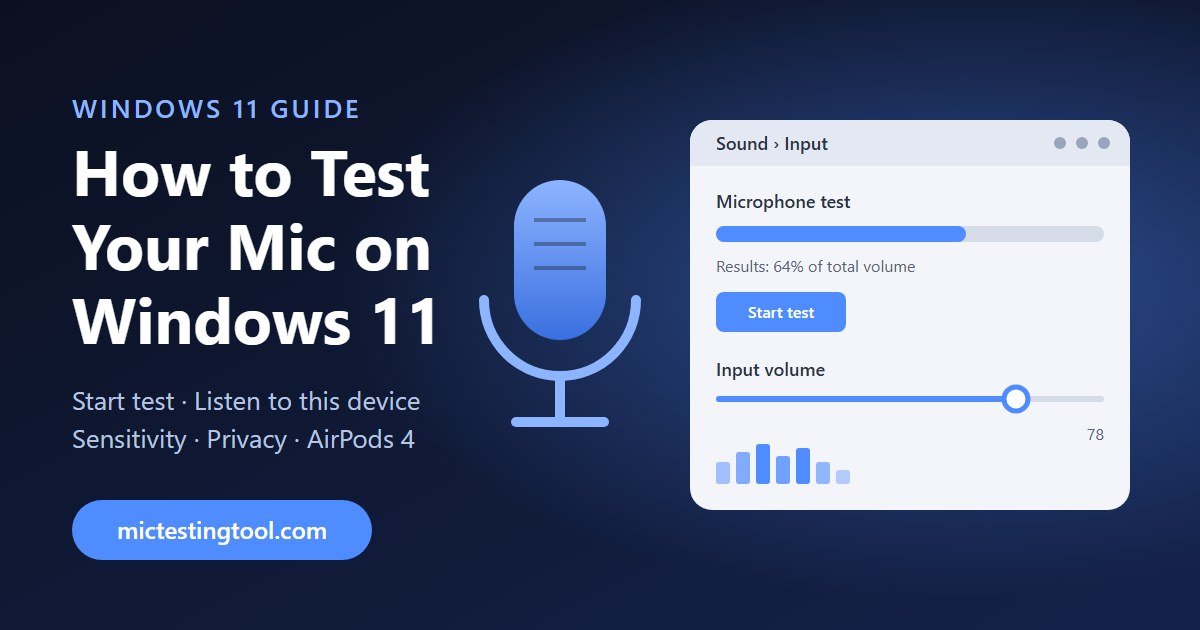
Test your microphone on Windows 11 with Start test, Listen to this device or a quick recording. Then fix mic sensitivity, permissions and AirPods 4 low volume.
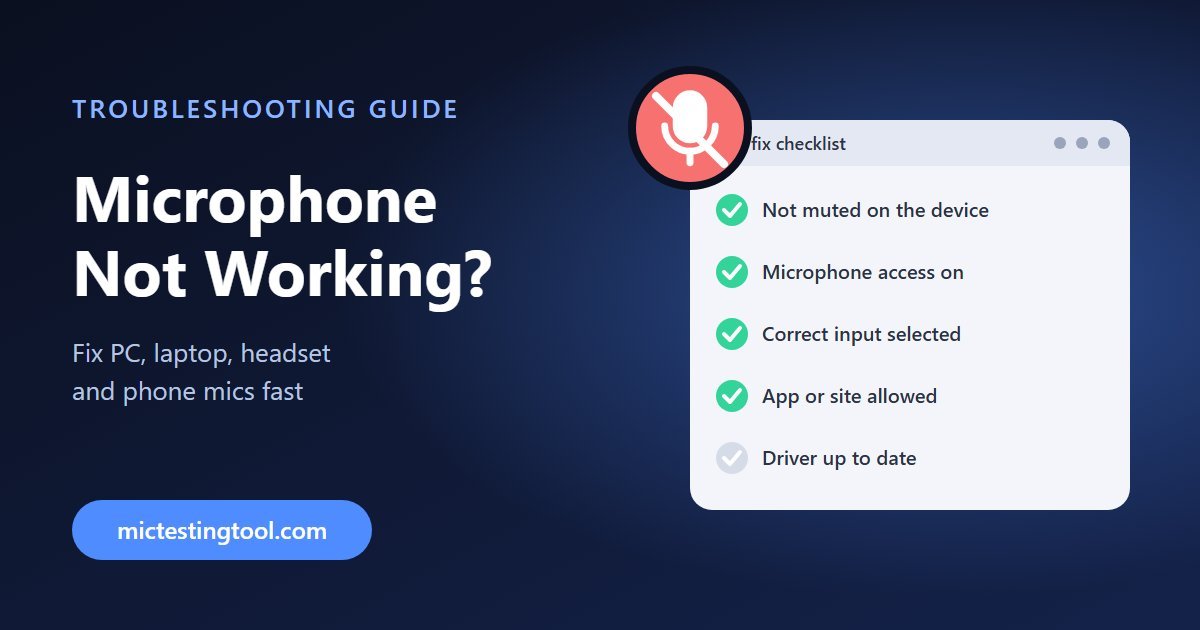
Why isn't my mic working? Find the cause in two minutes, then fix a computer, laptop, headset or phone microphone that is silent, muted, too quiet or echoing.
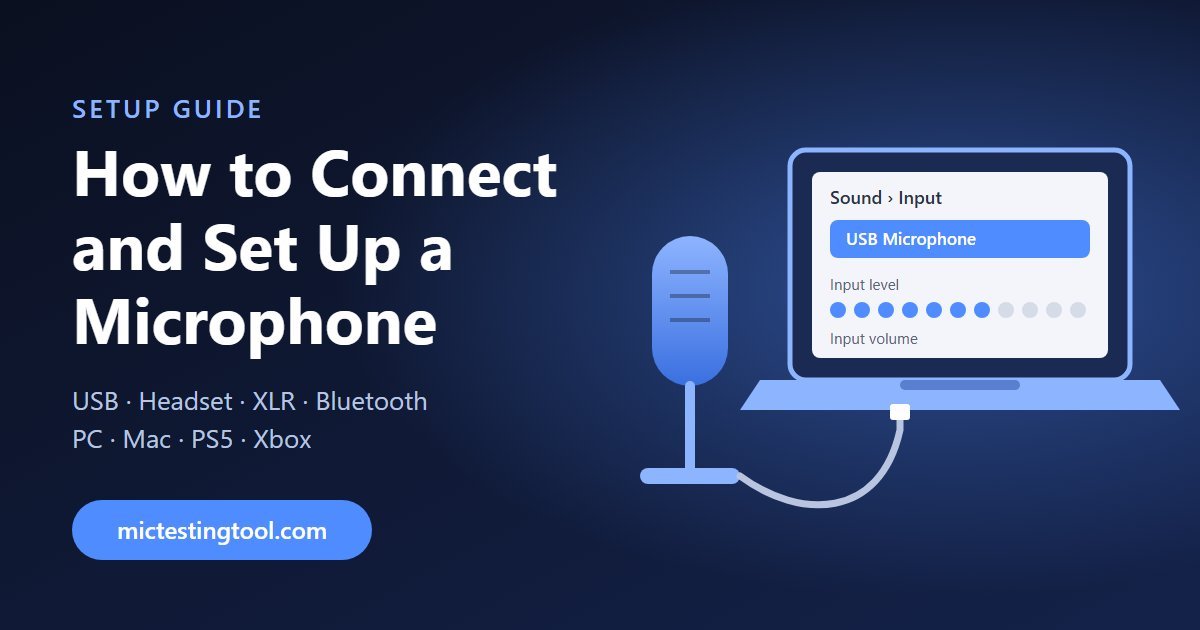
Connect a USB mic or headset to your PC or Mac, turn on microphone access, choose input settings, and check console compatibility before using voice chat.